What are E-Commerce Permissions?
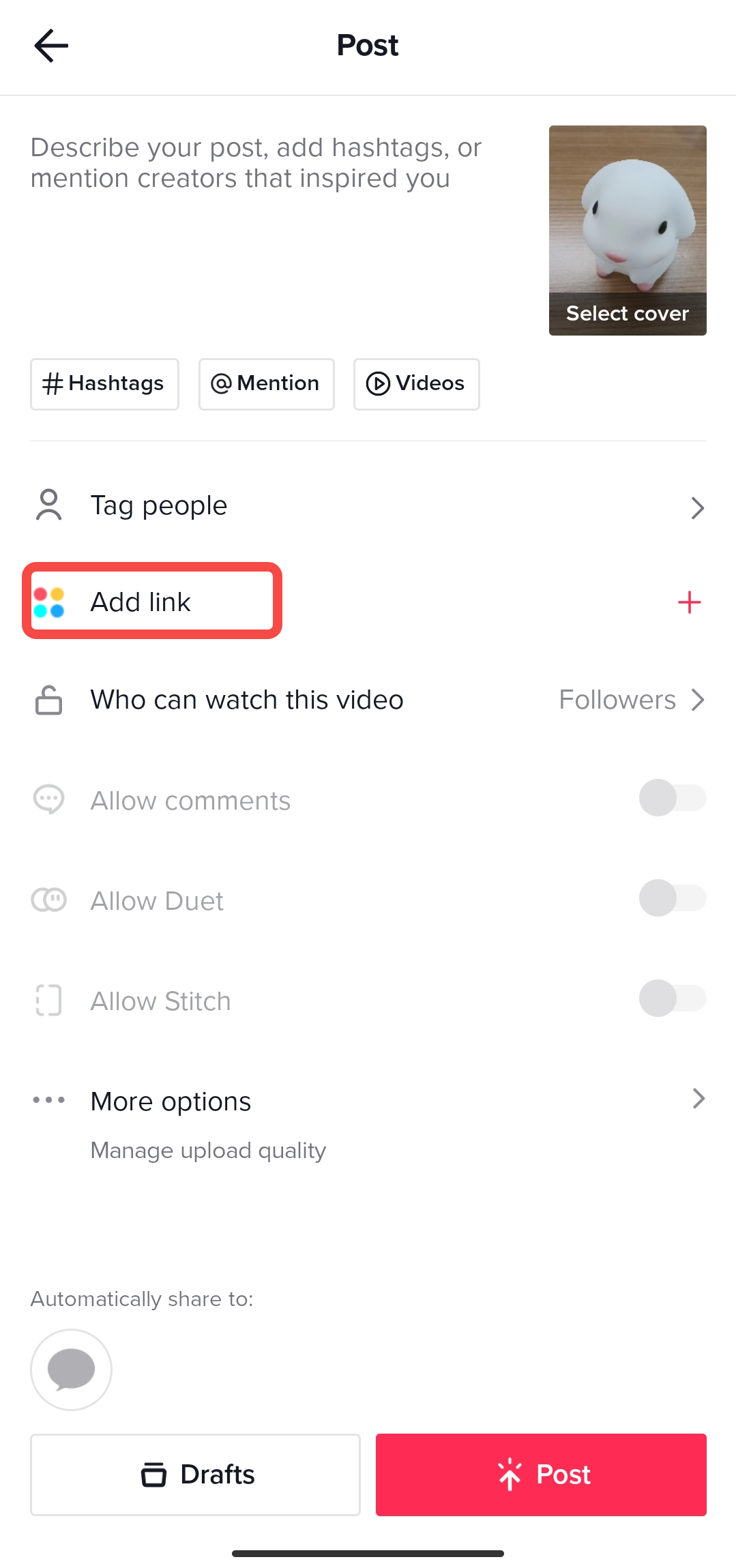
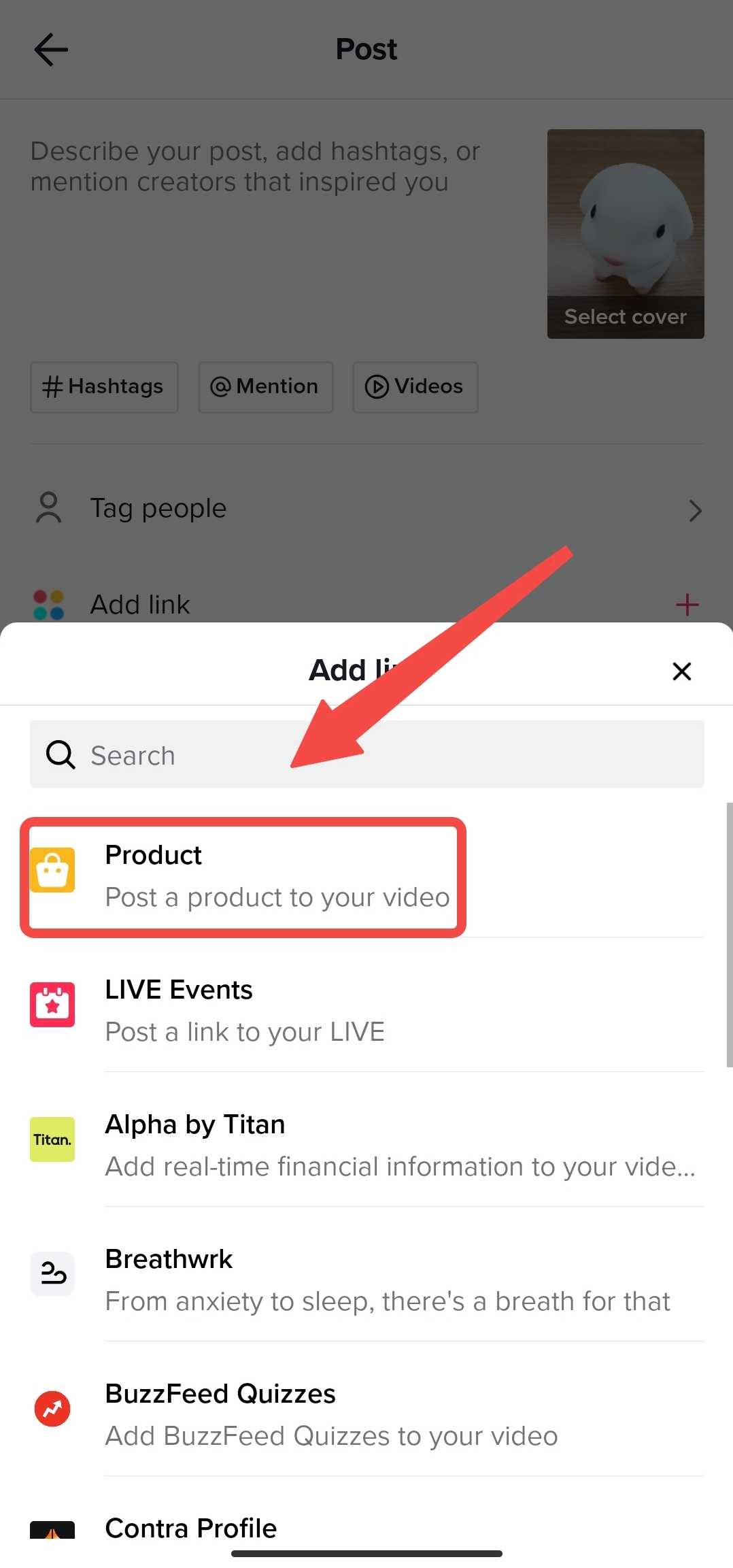
Creators with TikTok e-commerce permissions are able to monetize their content by promoting products on TikTok in the following ways:
- Displaying products on their profile page
- Advertising and promoting products within photo/video content
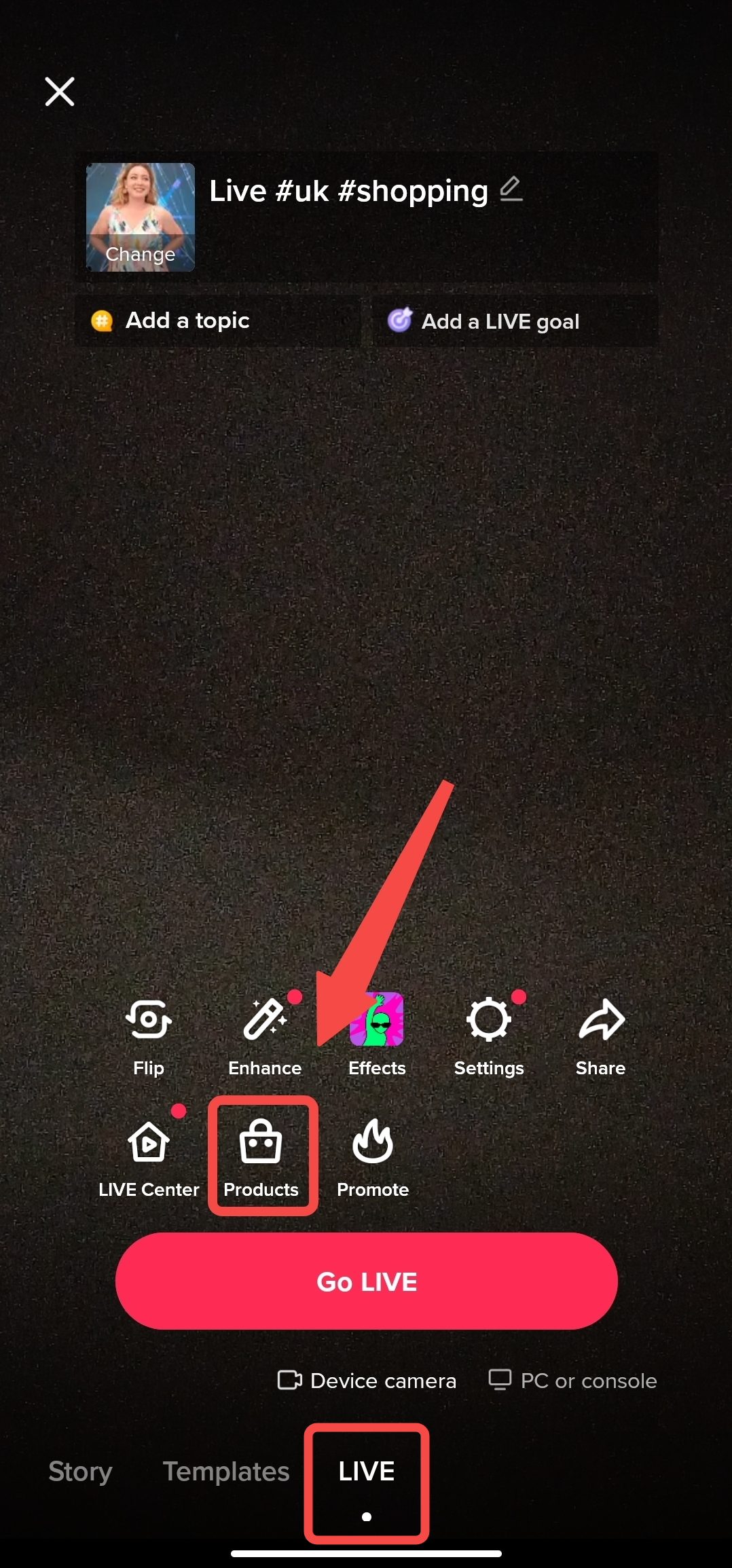
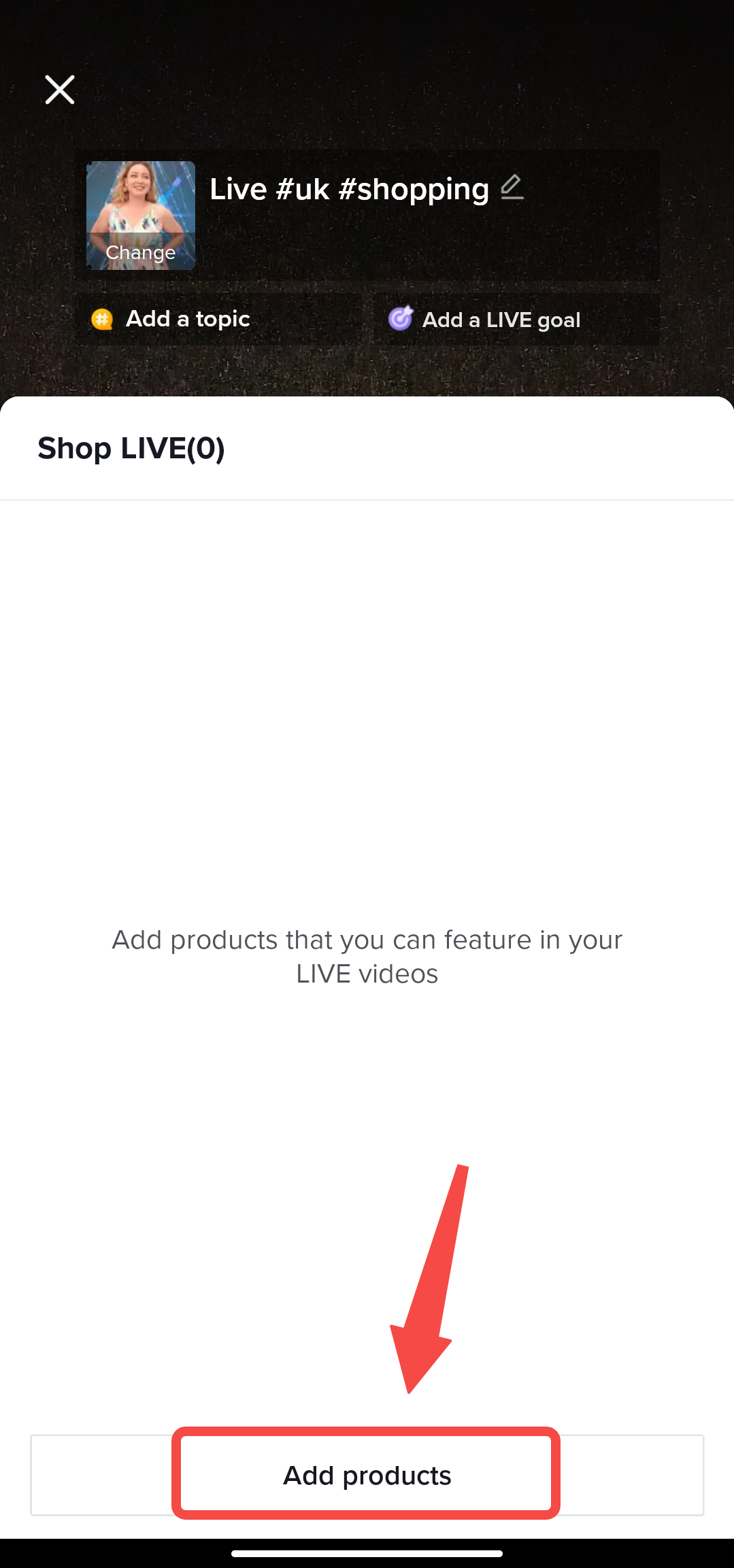
- Promoting products during Livestreams
E-Commerce Permission General Eligibility Requirements
TikTok creators can apply to become a TikTok Shop creator if they meet
all of the following requirements:
- Maintain at least 500 genuine followers
- Be at least 18 years old (this will be verified through Creator Age Confirmation)
- Have posted a video on TikTok in the last 28 days
- Be located in the country that their TikTok account is registered in
- For example, if you registered your TikTok account in the United Kingdom and are located there, you could obtain Creator E-commerce Permissions to promote E-Commerce content for TikTok Shop UK.
- Comply with the TikTok Community Guidelines
- Use a TikTok account that is not identified as a Government, Politician and Political Party Accounts ("GPPPA") as defined in this article
- Not have previously had Creator E-commerce Permissions that were revoked by TikTok Shop. This includes any of the Creator's previous accounts.
For more information on creator permissions and eligibility, please see the
UK TikTok Shop Creator E-commerce Permissions Eligibility Policy.
Applying for E-commerce Permissions
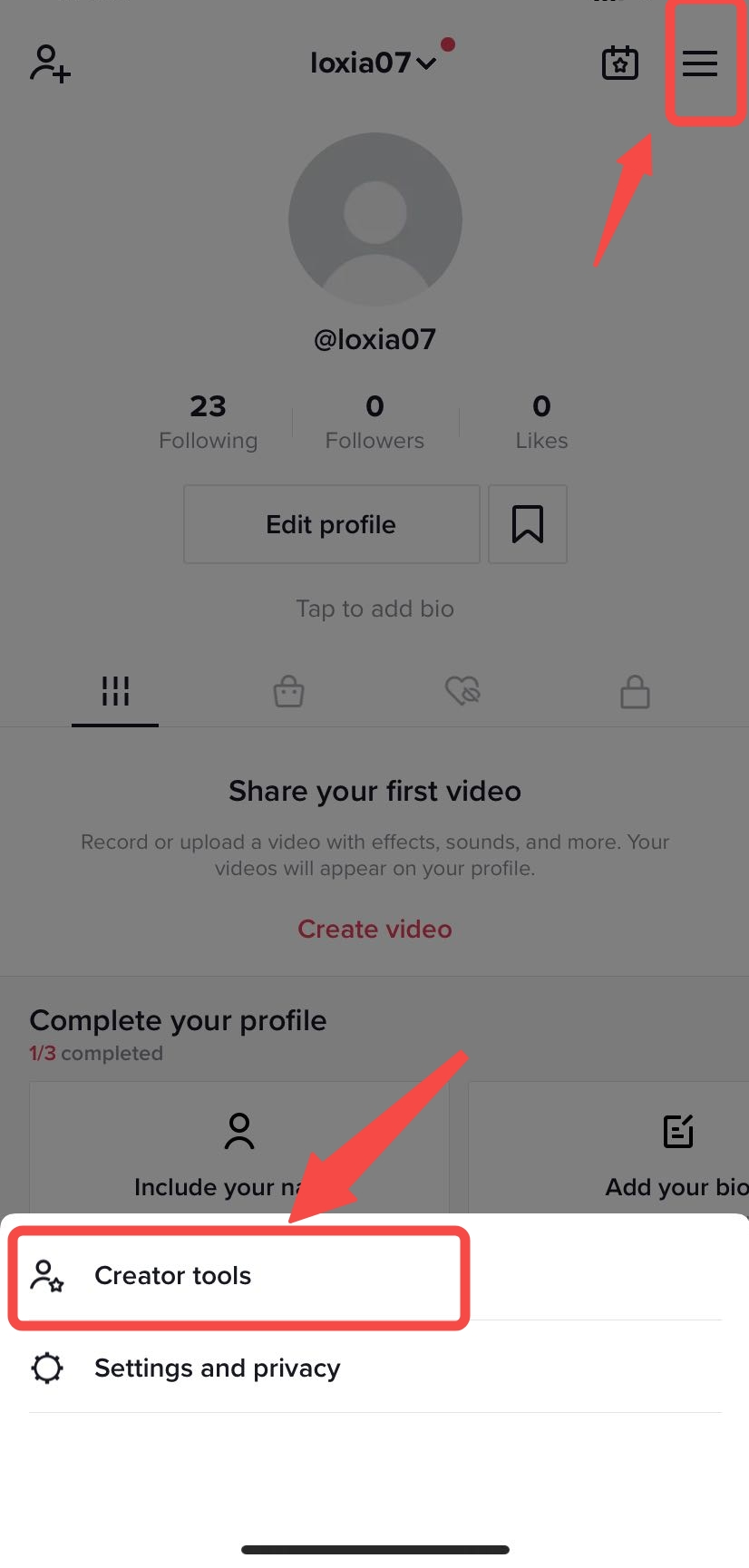
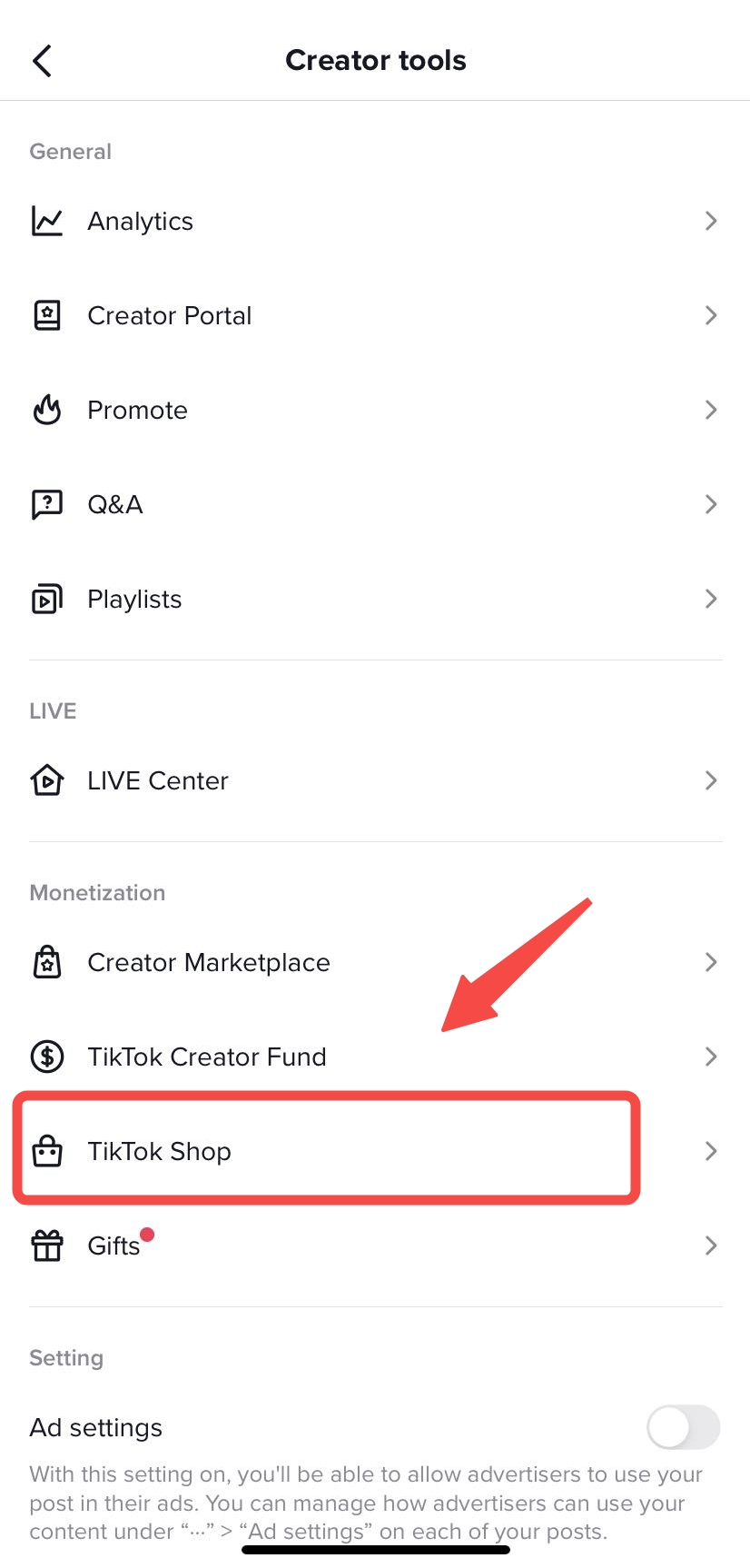
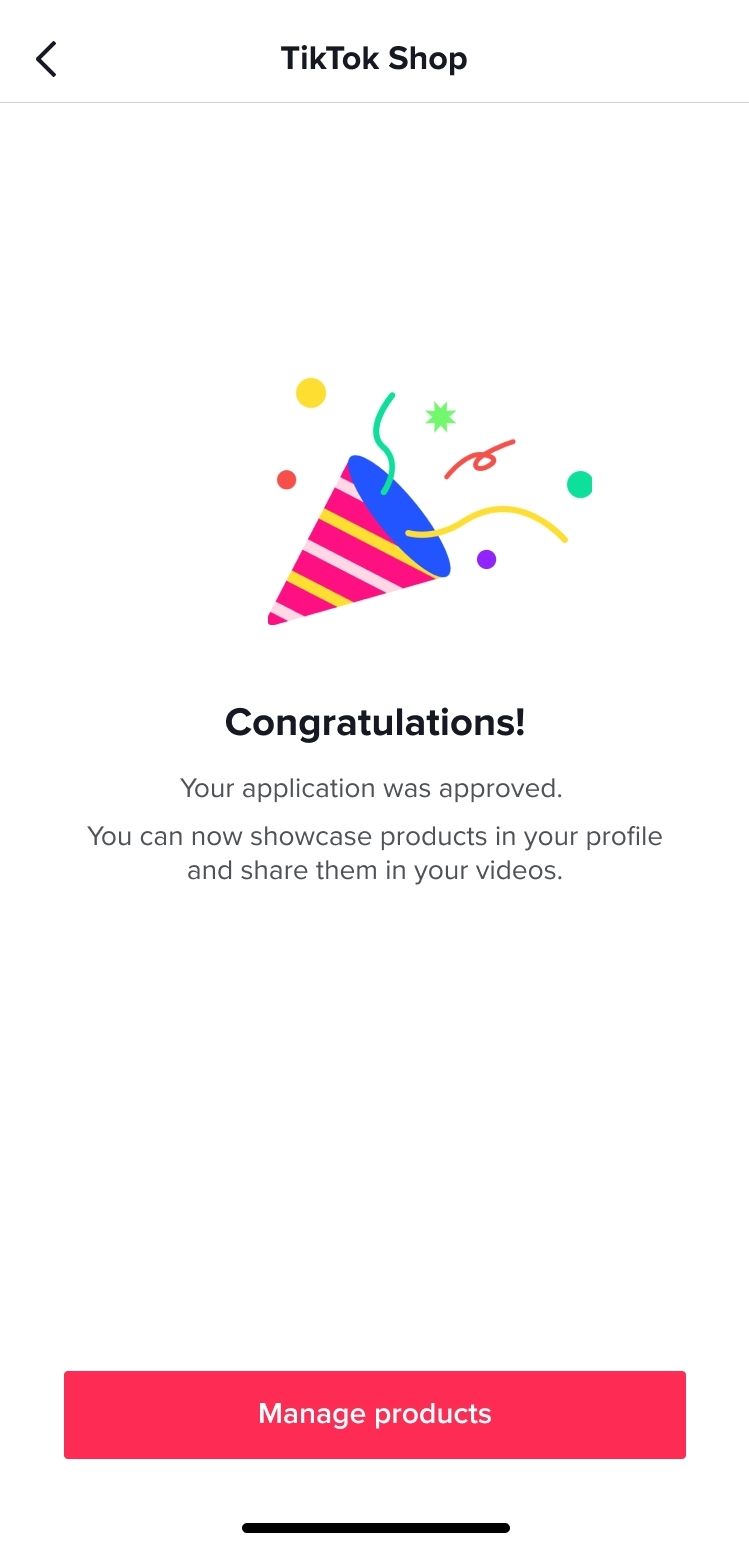
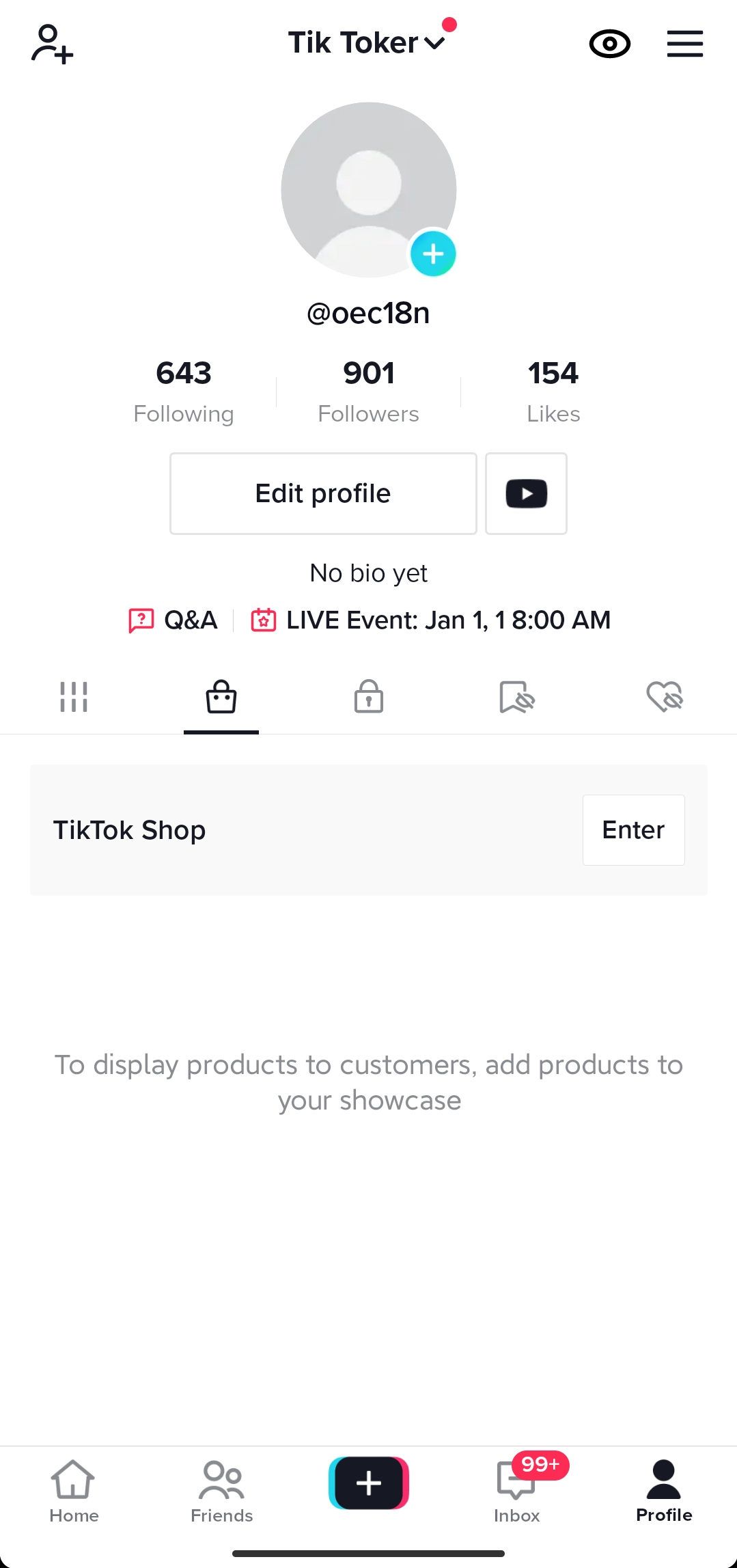
Creators can apply for e-commerce permissions from their profile page:
Note: please refer to the criteria for e-commerce permissions eligibility on the application page. The eligibility criteria vary from country to country and are updated periodically
. Access to E-commerce Permissions
Creators can check their access to e-commerce permissions in their TikTok account.
Enforcement Actions
Content shared or uploaded by all creators must follow our
TikTok Shop Content Guidelines and
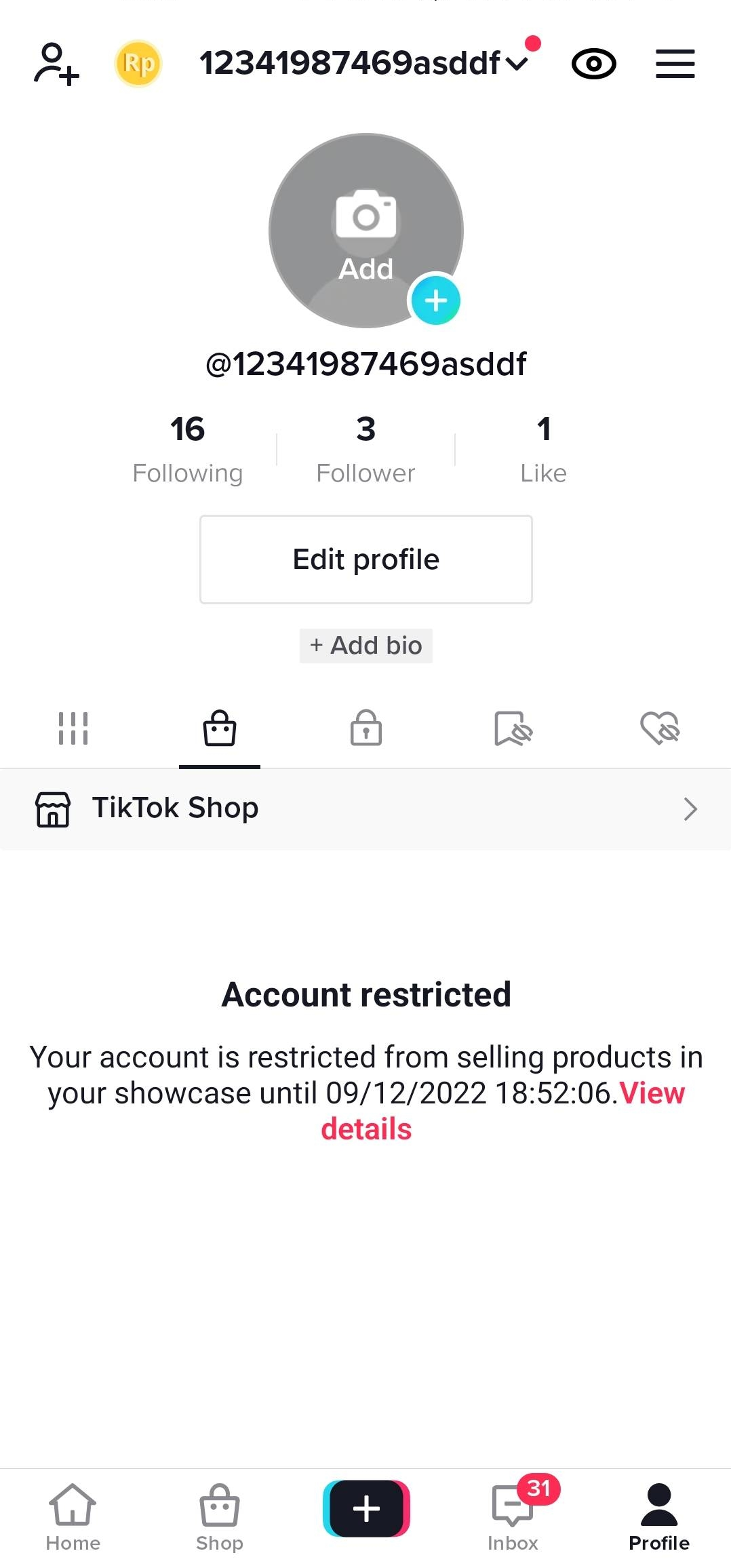
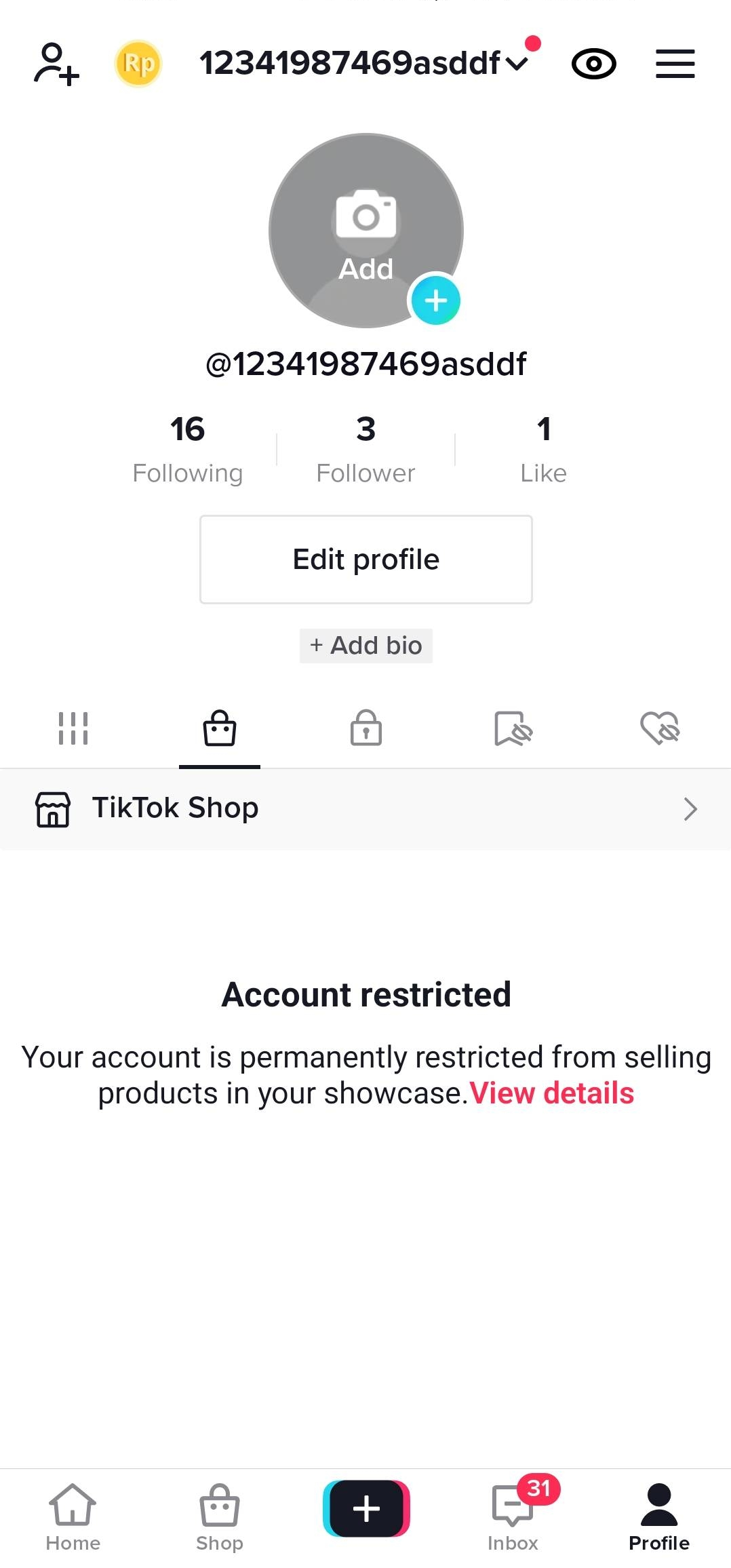
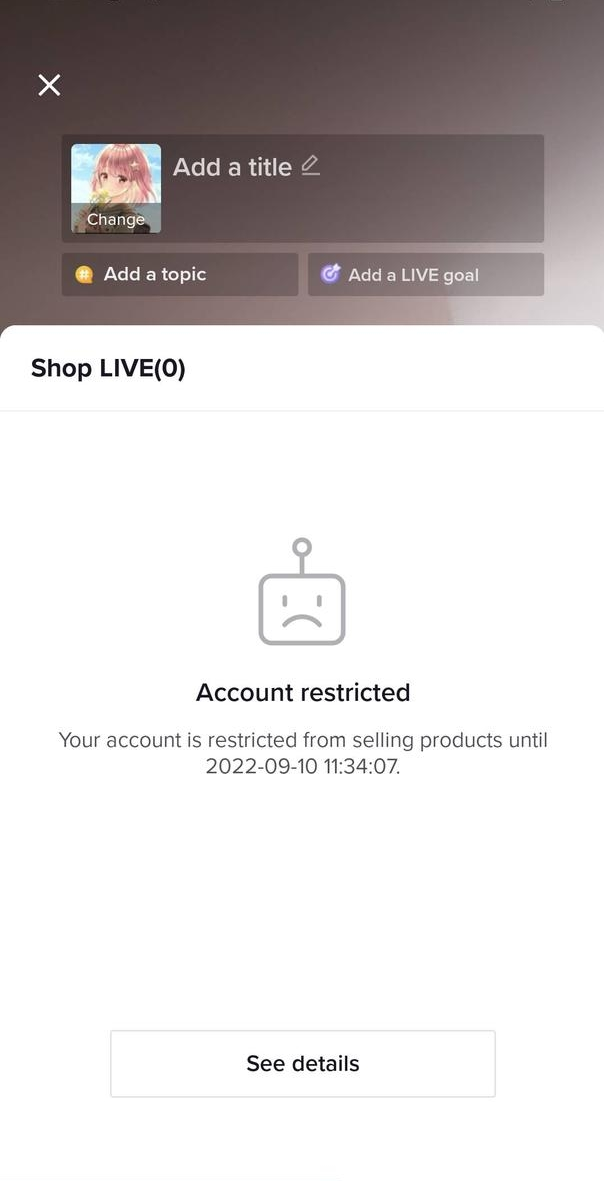
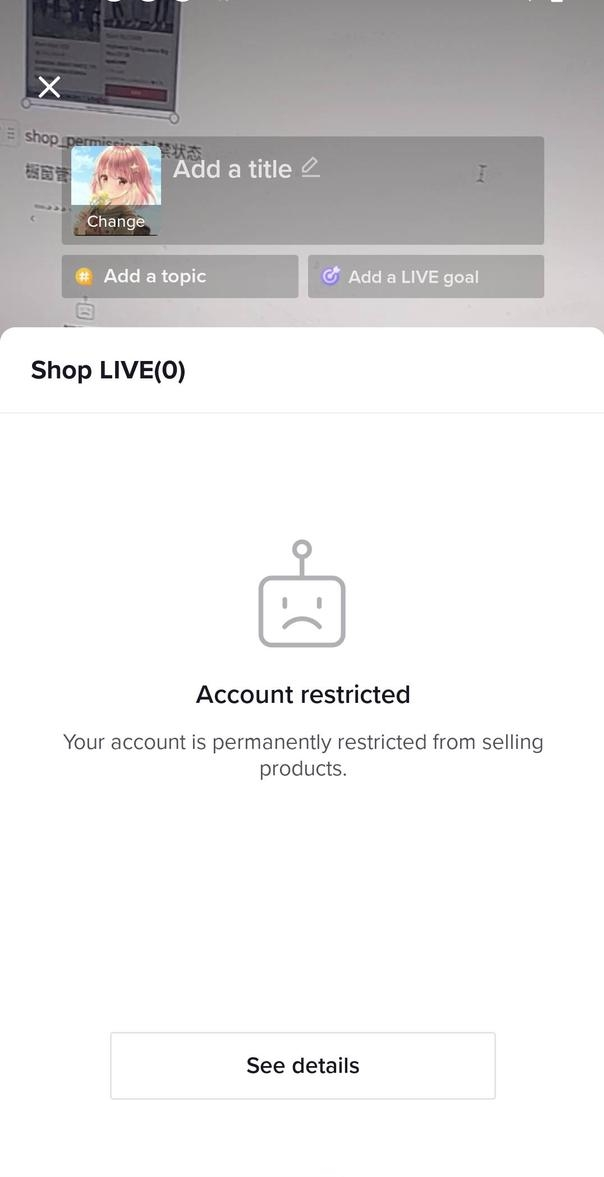
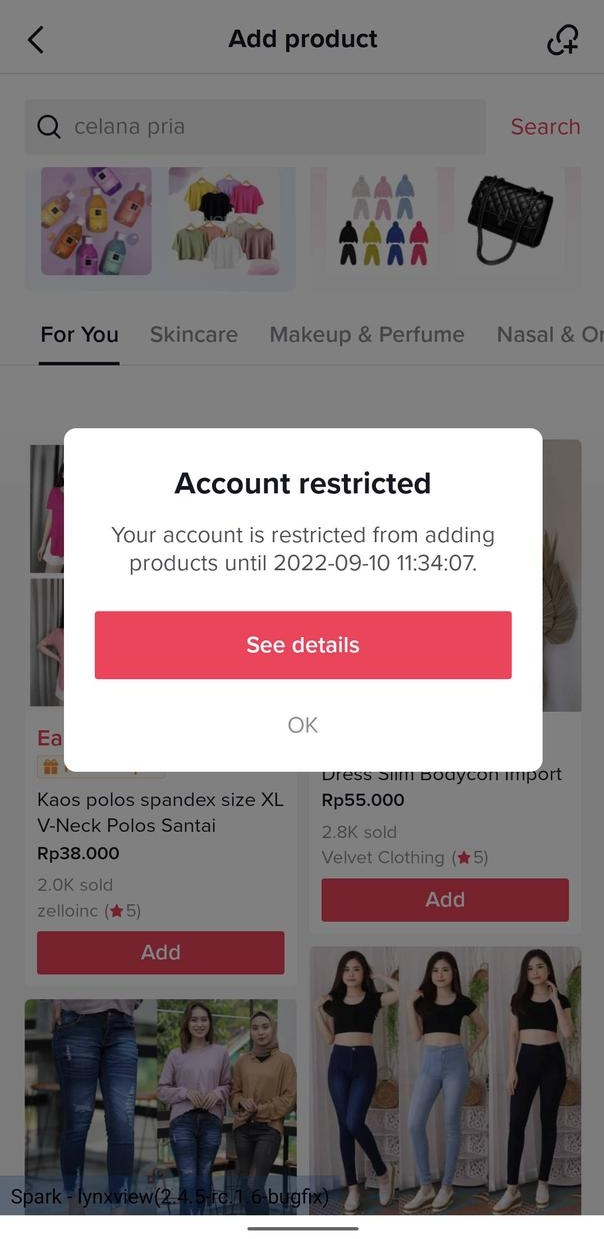
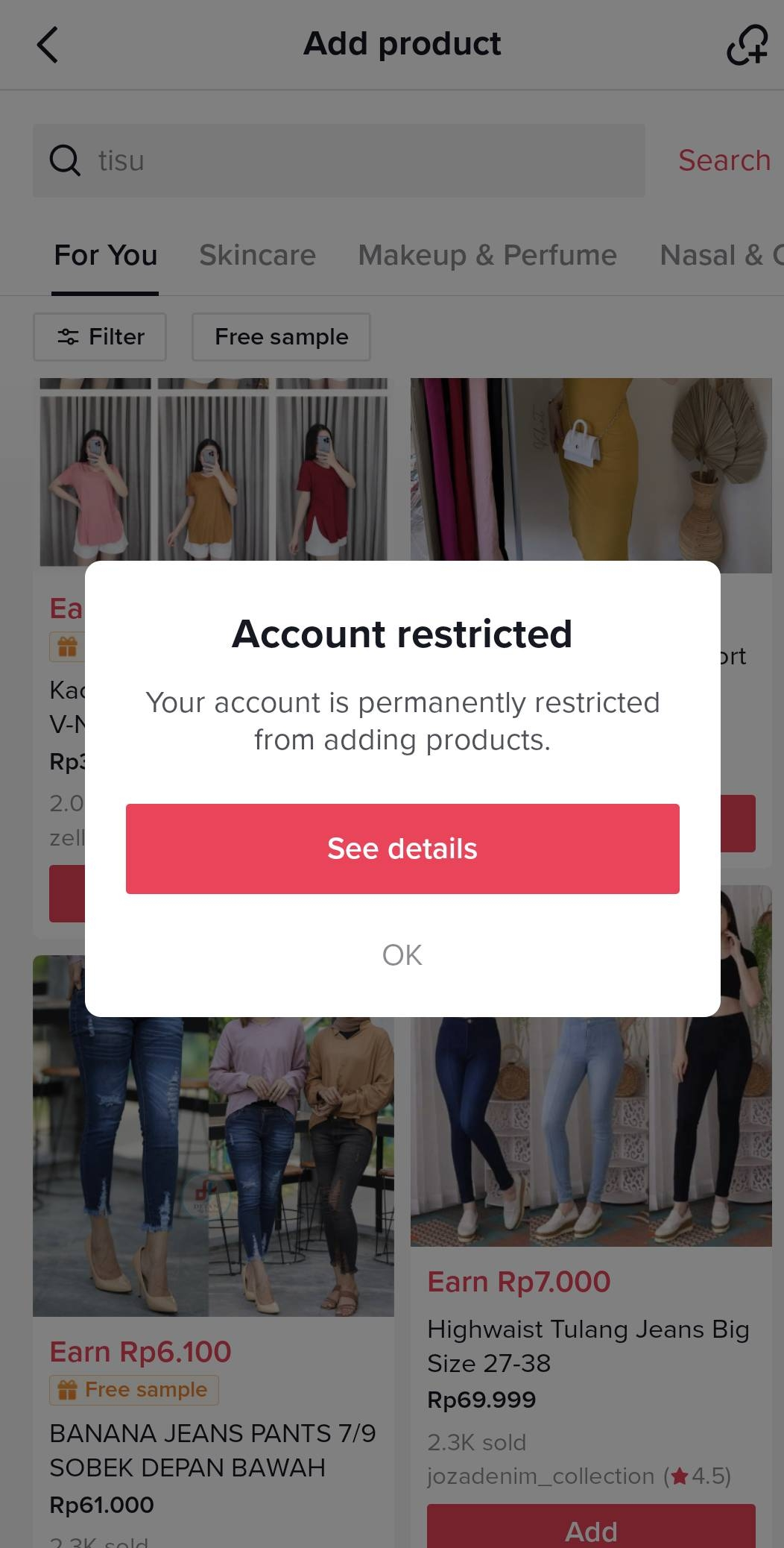
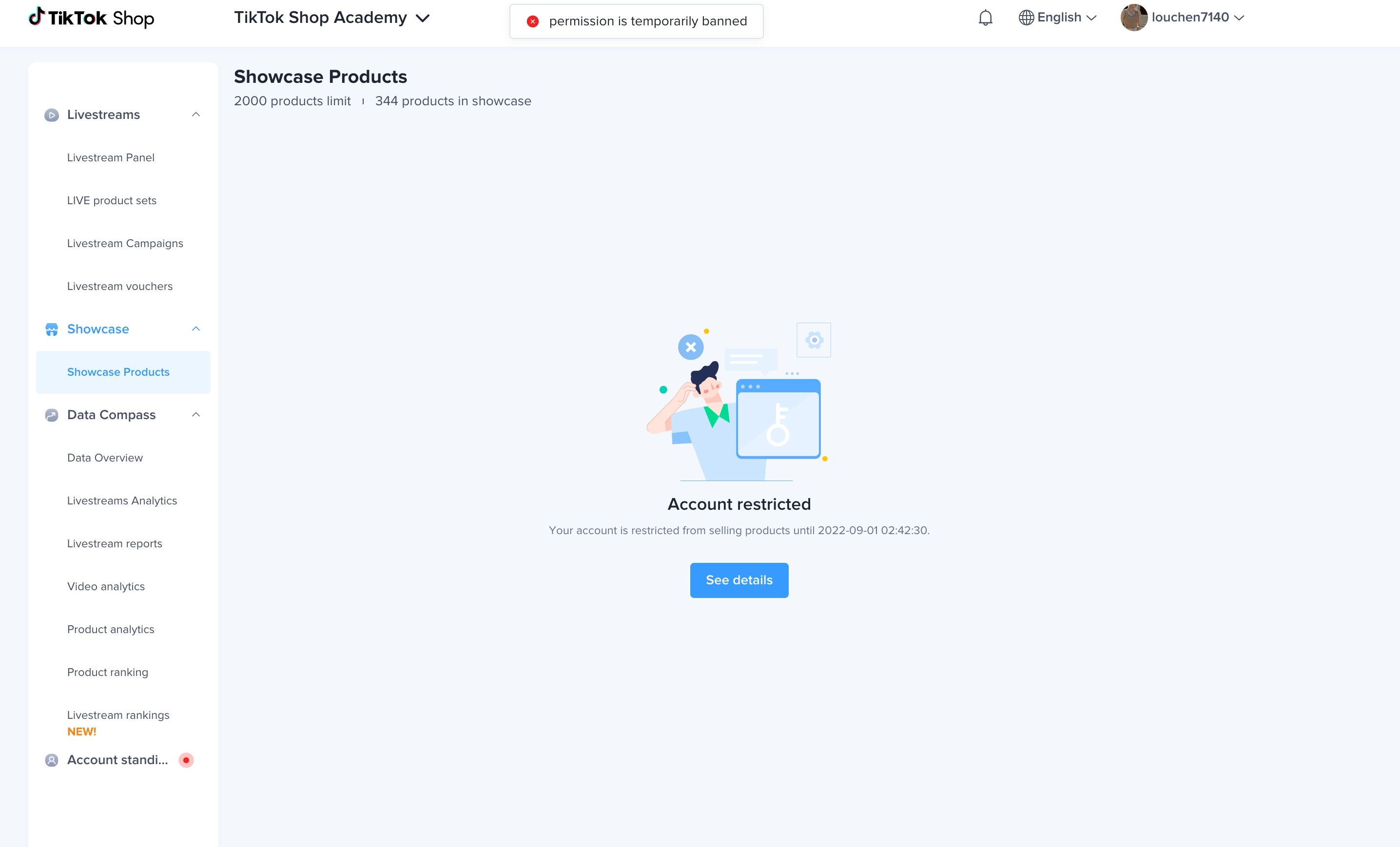
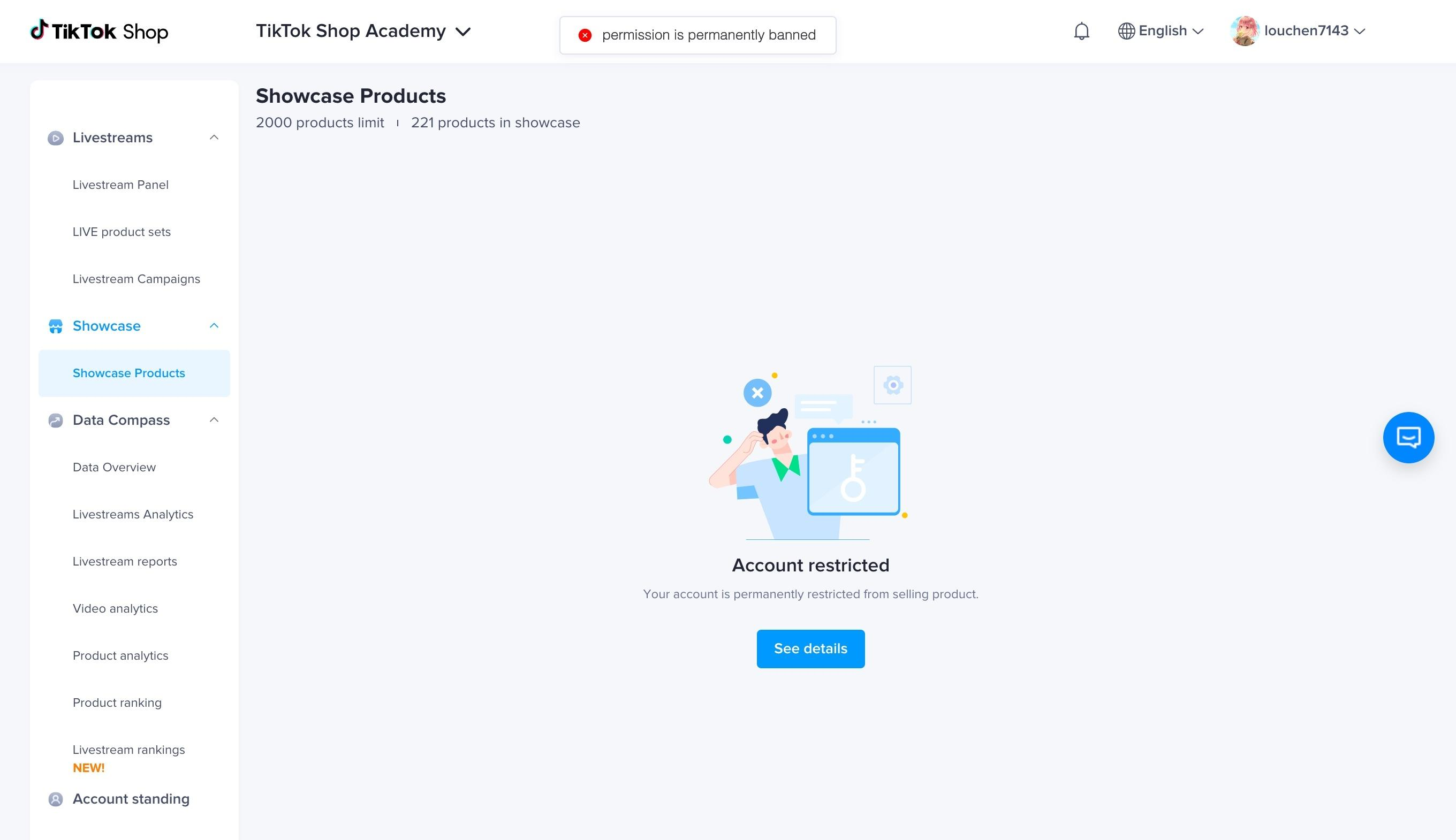
TikTok Community Guidelines. Creators who violate our guidelines will face enforcement actions, including but not limited to a temporary restriction or permanent ban on e-commerce permission access.
Learn more about TikTok Shop Creator Performance Evaluation Guidelines. How to Submit an Appeal
If a creator believes that enforcement actions were taken against them in error, they may file an appeal through the Account Standing page. TikTok Shop will investigate the case and take corrective actions where applicable.
Identity Verification During Appeals
In some cases, when you submit an appeal after your e-commerce permissions have been restricted or your creator application has not been approved, TikTok Shop may ask you to complete identity verification before your appeal can be reviewed.
Identity verification helps confirm that the appeal has been submitted by the legitimate account owner and that the information provided is accurate.
What you need to provide
You may be asked to provide one or more of the following:
- Your ID type
- The issuing country of your ID
- Your ID number
- The expiry date of your ID, where applicable
- A clear photo of the front and back of your identification document
- A selfie holding your ID
- Additional supporting evidence, where requested, such as:
- A photo showing you in your usual livestream or video recording setting
- A photo of at least one physical product that you have promoted or intend to promote
Please make sure all images are clear, complete, and not edited or covered. The information on your document should be readable, and your face should be clearly visible if you are asked to provide a selfie with your ID.
What happens after you submit
After you submit your identity verification materials and appeal, TikTok Shop will review the information you provided. If the appeal is approved, your eligibility or e-commerce permissions may be restored or your application may continue. If rejected, results will remain unchanged.
Frequently Asked Questions (FAQ)
1. My e-commerce permission has been permanently revoked. Can I still apply for e-commerce permission?
- No, once e-commerce permission is permanently revoked, there is no way to restore it.